

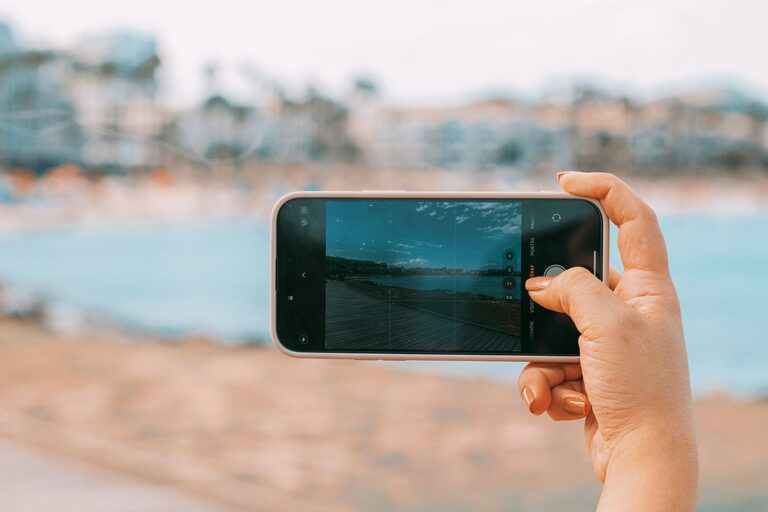
Capturing great photos with your phone is easier than ever, thanks to advances in camera technology. Whether you’re documenting your travels, snapping family moments, or just having fun experimenting, a few simple techniques can help you take better pictures right away. This guide covers beginner-friendly tips to improve your phone photography, helping you create images you’ll be proud to share.
Understand Your Phone Camera Features
Before diving into shooting techniques, spend some time getting to know your phone’s camera features. Most smartphones offer a range of options such as:
– HDR (High Dynamic Range): Helps balance light and dark areas.
– Grid lines: Useful for composition and keeping horizons straight.
– Focus and exposure control: Allows you to adjust sharpness and brightness.
– Portrait mode: Blurs the background for professional-looking portraits.
– Night mode: Improves low light photos.
Experiment with these settings to see how they affect your images. Many phones have tutorials or guides within the camera app, so take a moment to explore.
Keep Your Lens Clean
It may seem obvious, but a clean lens is crucial for sharp photos. Phone lenses accumulate fingerprints, dust, and smudges easily, which can blur or dull your shots. Use a soft microfiber cloth to wipe your lens regularly, especially before important shots.
Use Natural Light Whenever Possible
Lighting is one of the most important factors in photography. Natural light usually produces the best results. Here are some tips for working with light:
– Shoot during golden hours: Early morning and late afternoon provide warm, soft light.
– Avoid harsh midday sun: It can create strong shadows and highlights.
– Face your light source: Position yourself so the subject is well-lit from the front.
– Use shade to soften harsh light: If shooting outdoors at noon, find shaded areas for more even lighting.
If you’re indoors, place your subject near windows to take advantage of daylight.
Hold Your Phone Steady
Blurry photos often result from shaky hands. To improve sharpness:
– Hold your phone with both hands.
– Tuck your elbows close to your body for stability.
– Consider leaning against a steady surface.
– Use a phone tripod or stand for extra stability if available.
– Tap the screen to focus before taking the shot, which can also help reduce blur.
Compose Your Shot Thoughtfully
Great composition can transform an ordinary photo into something special. Here are some beginner composition tips:
– Rule of Thirds: Enable grid lines and place key elements along the lines or their intersections for balance.
– Leading Lines: Use roads, fences, or pathways to guide the viewer’s eye through the photo.
– Frame Within a Frame: Use natural frames like doorways or branches to add depth.
– Fill the Frame: Get closer or zoom in on your subject to eliminate distractions.
– Simplify the Background: A clutter-free background keeps attention on your main subject.
Try different angles and perspectives. Don’t just shoot from eye level—get low, shoot from above, or try side views.
Focus and Exposure Control
Your phone lets you tap the screen to set focus on a specific area. This is especially useful for portraits or close-ups. Some phones allow you to adjust the exposure (brightness) by sliding your finger up or down after focusing. Use this to avoid overexposed (too bright) or underexposed (too dark) photos.
Make Use of Editing Apps
Editing can dramatically improve your photos. Basic adjustments like cropping, straightening, brightness, contrast, and saturation help polish your images. Popular free and user-friendly apps include Snapseed, VSCO, and Lightroom Mobile.
Keep edits natural and avoid over-processing. Enhancing the photo while keeping it realistic often yields the best results.
Experiment With Different Modes and Lenses
Modern phones come with multiple lenses such as wide-angle and telephoto. Explore these to capture varied perspectives:
– Wide-angle: Great for landscapes or group photos.
– Telephoto: Ideal for portraits or bringing distant subjects closer.
– Macro: Lets you capture tiny details up close (if your phone has this feature).
Try panorama mode for wide scenic shots or burst mode to capture fast action and pick the best shot later.
Practice Regularly
Like any skill, photography improves with practice. Challenge yourself to take photos regularly, try different subjects, lighting conditions, and styles. Review your shots and learn what works and what doesn’t. Over time, you’ll develop an eye for capturing memorable photos.
Final Thoughts
Taking better phone photos involves a mix of understanding your camera’s features, mastering basic techniques, and practicing creativity. By cleaning your lens, using natural light, steadying your phone, and thoughtfully composing shots, you’ll see an immediate improvement in your pictures. Don’t be afraid to experiment and edit — your phone is a powerful tool for storytelling through images.
Happy shooting!